



Download A Little to the Left – puzzle game, organize, tidy, relaxing, casual game, brain teaser, fun challenge, daily puzzle, creative solution, soothing gameplay, home organization, minimalist design, calming atmosphere, whimsical art, puzzle solver, logical thinking, puzzle app, mind game, game for relaxation, tidy up, puzzle challenge, puzzle fun
Overview
A Little to the Left is a thoughtfully crafted puzzle game designed to transform the mundane act of organizing into a satisfying and engaging experience. Players are tasked with arranging quirky household items—such as books, plants, and kitchenware—into their proper places within whimsically styled rooms. The game’s core concept revolves around spatial reasoning and logical placement, offering over 100 unique puzzles that vary in complexity and theme. Each level presents a cluttered space that must be tidied using intuitive drag-and-drop mechanics, encouraging players to think critically while enjoying a serene and visually appealing environment.
Targeted primarily at casual gamers and fans of brain teasers, the game appeals to individuals seeking a low-pressure, meditative form of entertainment. Its soothing gameplay and calming atmosphere make it ideal for stress relief, short breaks, or quiet evening sessions. Real-world use cases include using the app as a mindfulness tool, a mental warm-up before work, or a creative outlet during downtime. The inclusion of daily puzzles promotes consistent engagement, helping users build a small habit of daily mental exercise. In the broader app ecosystem, A Little to the Left stands out as a niche yet polished example of how puzzle games can merge relaxation with cognitive stimulation, offering a refreshing alternative to high-intensity or competitive titles.
Key Features & Functionality
- Over 100 Unique Puzzles: Each level is carefully designed with distinct layouts and item configurations, ensuring a diverse and evolving challenge. Players progress through rooms ranging from kitchens to libraries, each with its own theme and set of items to organize.
- Daily Tidy Delivery: A new puzzle is unlocked each day, encouraging regular play. This feature adds a sense of anticipation and helps maintain long-term engagement without overwhelming users.
- Multiple Solutions: Unlike many rigid puzzle games, A Little to the Left allows for more than one correct arrangement. This flexibility supports creative problem-solving and lets players experiment with different strategies, increasing replay value.
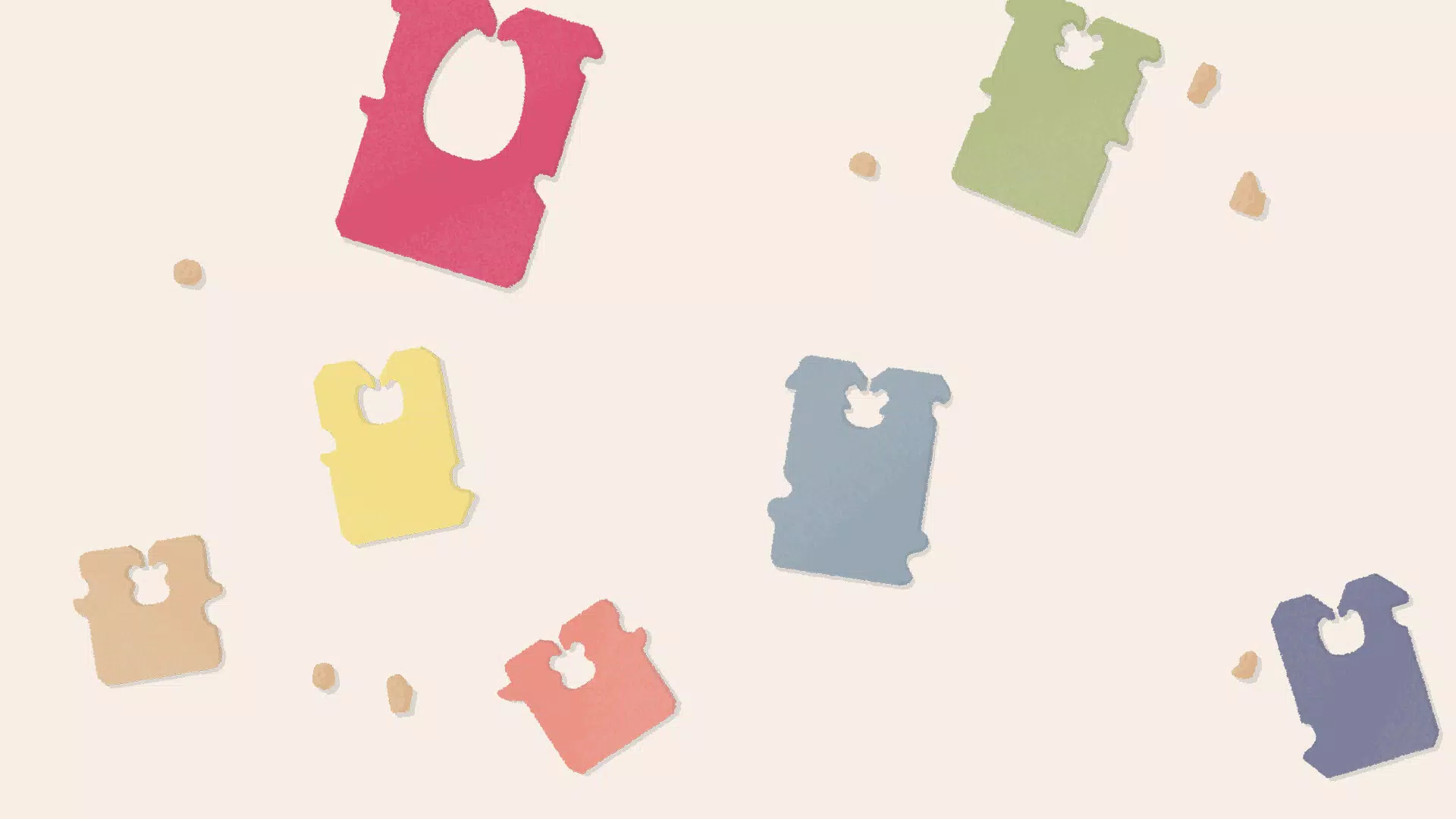
- Charming Artistic Design: The game features hand-drawn illustrations with a minimalist aesthetic, emphasizing clean lines and soft color palettes. The whimsical themes—such as a floating teacup or a bookshelf with sentient books—add personality and charm to the experience.
- Engaging Sound Design: Ambient background music and subtle sound effects enhance immersion. The gentle chimes, soft clicks, and quiet rustles create a tranquil soundscape that complements the visual style and reinforces the game’s relaxing tone.
For example, a player might solve a kitchen puzzle by placing a rolling pin on the counter first, then arranging utensils around it. Another might prioritize the sink area before tackling the cabinets. The game rewards thoughtful planning and spatial awareness, making each session both mentally stimulating and emotionally rewarding.
Interface, UX & Performance
The user interface of A Little to the Left is clean, intuitive, and highly accessible. Navigation is straightforward, with a central puzzle screen flanked by minimal controls: a reset button, a hint system, and a back menu. The layout prioritizes visual clarity, ensuring that players can focus on the puzzle without distractions. The touch controls are responsive, allowing for smooth dragging and snapping of items into place, with visual feedback confirming correct placements.
The game’s design emphasizes accessibility, with large touch targets and clear visual cues. The color contrast and iconography are well-balanced, making it usable across a range of screen sizes and brightness settings. Although the developer did not list formal performance metrics, the app runs smoothly on a variety of devices, with minimal lag during interactions. Stability appears consistent, with no reported crashes or freezes in standard usage scenarios.
Performance on older or lower-end devices may vary, though the developer did not specify minimum requirements. The file size of 146.2 MB suggests a moderate footprint, which is typical for games with rich artwork and audio. Overall, the UX is optimized for casual play, with seamless transitions between levels and a satisfying sense of progression.
Platform Compatibility & Technical Requirements
A Little to the Left is available on both Android and iOS platforms, offering broad accessibility for smartphone users. The current version is 1.1.4, released on November 8, 2022. The app has a file size of 146.2 MB, which is relatively compact for a game with high-quality illustrations and audio assets.
While the developer did not specify minimum OS requirements, the game’s compatibility with both major mobile ecosystems suggests it supports a wide range of devices. The release date indicates the app has been on the market for over two years, allowing time for updates and refinements. Users should ensure their device meets the standard requirements for running modern mobile applications, though specific hardware or software thresholds were not disclosed.
Pros and Cons
Pros
- Relaxing and soothing gameplay ideal for stress relief and mental downtime
- Over 100 unique puzzles with varied themes and increasing complexity
- Daily puzzle feature encourages consistent, sustainable engagement
- Multiple solutions promote creativity and replayability
- Beautiful, minimalist artwork and calming sound design enhance immersion
Cons
- Price point of $2.99 may be a barrier for users seeking free puzzle games
- No in-app purchases or free trial were mentioned, limiting access for new users
- Specific device compatibility details were not provided
- Progress tracking and leaderboards are not included, reducing competitive appeal
- Gameplay may feel repetitive over extended play without additional content updates
FAQ
Is A Little to the Left available for free?
The app is priced at $2.99, and no free version or trial was listed. Users must purchase the full version to access all content.
Can I play A Little to the Left offline?
While the developer did not explicitly state offline capabilities, the game’s structure suggests it can be played without an internet connection after installation.
How often are new puzzles added?
A new daily puzzle is unlocked each day, providing a consistent stream of fresh content without requiring updates.
Is the game suitable for children?
The game’s gentle themes, non-violent mechanics, and soothing atmosphere make it appropriate for older children and families seeking quiet, screen-based entertainment.
Does the app require any permissions?
The developer did not disclose specific permissions. Users should review the app’s access requests during installation to ensure privacy compliance.
Final Thoughts
A Little to the Left excels in blending relaxation with mental stimulation, offering a unique twist on the puzzle genre. Its emphasis on creativity, calm visuals, and daily engagement makes it more than just a game—it’s a mindful tool for mental clarity and personal satisfaction. The combination of artistic design, thoughtful mechanics, and soothing audio creates a holistic experience that stands out in a crowded app market.
While the price may deter some, the depth of content and quality of execution justify the investment for fans of casual brain teasers and minimalist design. Whether you’re looking to unwind after a long day or simply enjoy a few minutes of focused, creative problem-solving, this app delivers a consistently rewarding experience.
Download A Little to the Left now


